

Website Monitoring for Agencies and Freelancers: Spot Client Website Issues First

Alex Morgan
13 minutes

The client email every agency dreads
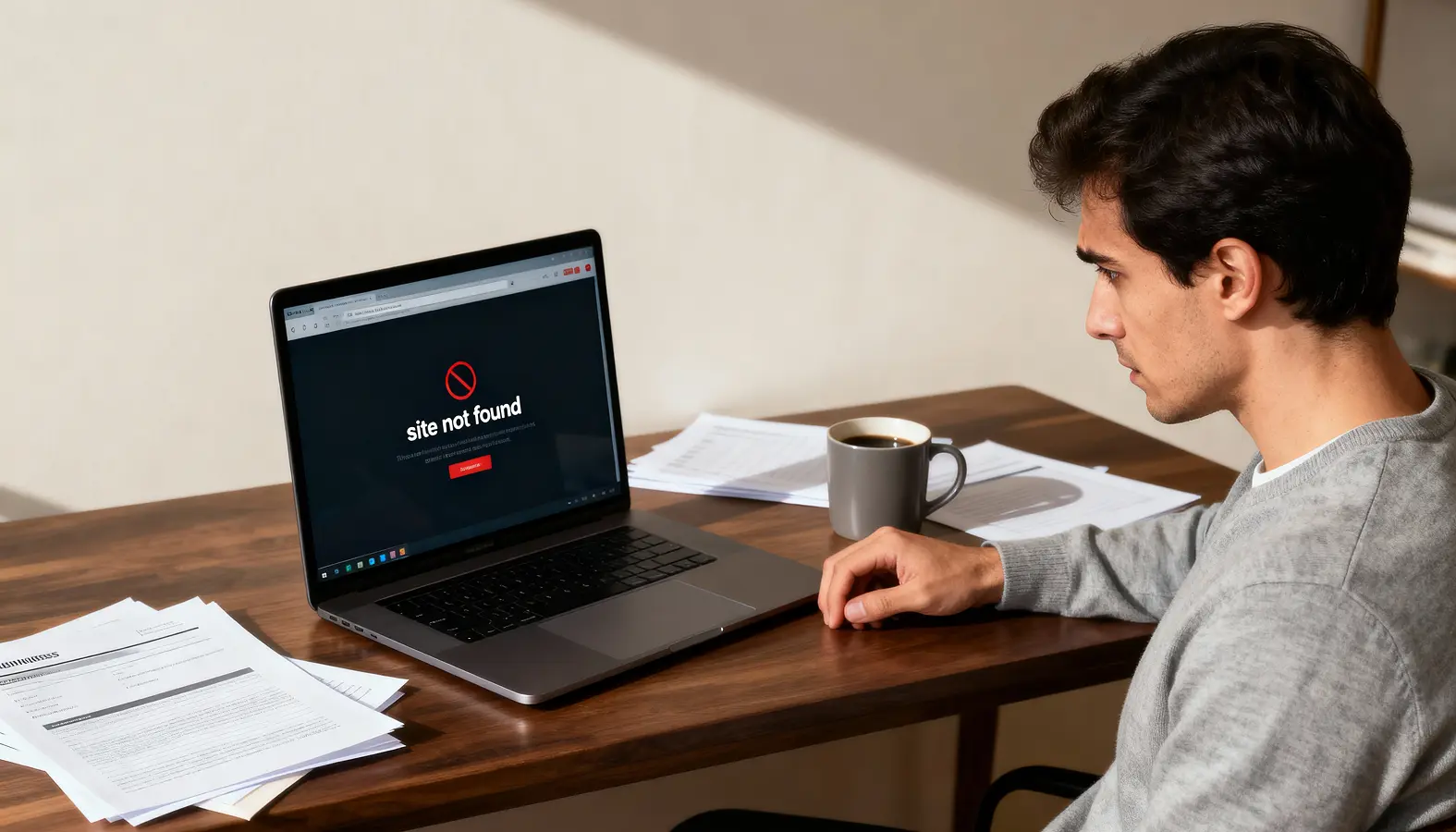
When you manage websites for clients, few things feel worse than receiving the message: 'My website is down. Did you know?'
It does not matter whether you are a solo web designer, a freelance developer, a small studio or a growing agency. If a client spots a website problem before you do, it can quickly create doubt. They may wonder how long the issue has been there and whether visitors have been affected. Plus, whether enquiries have been missed, and whether anyone was actually keeping an eye on things.
When you manage websites for clients, few things feel worse than receiving the message: 'My website is down. Did you know?'
Website monitoring for agencies and freelancers matters because it helps you spot problems early, respond with confidence and avoid the awkward moment where a client discovers an issue first.
For freelancers, solo web designers and small web agencies, that matters because client relationships are often built on reliability as much as creativity. A good-looking website is only valuable if it continues to work properly after launch.
Why client website issues can damage trust quickly
Most clients do not think about the technical layers behind their website. They do not usually care about DNS records, SSL certificates, server responses, page speed scores or visual change checks.
If their site goes offline, shows a security warning, loads slowly, breaks after an update or loses an important section of content, they see the result before they see the cause. From their perspective, the website is not doing its job.
That can be especially damaging when you provide ongoing support, hosting, maintenance or care plans. Even if the issue was outside your control, the client may still associate the problem with the service they are paying for.
They may not know whether the issue came from the host, registrar, CMS, plugin, DNS provider or a third-party integration. They simply know something went wrong.
For agencies and freelancers, the real risk is not only the technical problem. It is the perception that nobody noticed.
That is why proactive website alerts for agencies and freelancers can be so valuable. If you know about a problem before the client reports it, you can investigate, explain and respond from a position of control. Even when the fix takes time, the fact that you spotted the issue first helps reassure the client that their website is being looked after.
Why manual checks do not scale across client websites
Manual website checks can work when you have one or two sites to manage. You might open the homepage, click a few key pages, check the contact form and make sure nothing looks obviously wrong.
The problem is that this approach does not scale. Once you are managing several client websites, manual checks become inconsistent. Project work gets in the way. Support emails take priority. New enquiries need attention. Existing clients ask for edits. Admin builds up. Before long, checking every client site properly becomes one of those tasks that is important but easy to delay.
The other issue is that manual checks are usually limited to what you can see quickly. You might notice if the homepage is down or a design looks broken, but you may miss less obvious risks, such as:
SSL certificate approaching expiry
Domain name getting close to renewal
DNS record changing unexpectedly
Pages that still load but have become much slower
Visual changes on inner pages
Broader site health issues that are not visible from the Home page
This is where website monitoring becomes more useful than ad hoc checking. It creates a more consistent way to monitor client websites without relying on memory, spare time or a manual checklist.
Why uptime monitoring alone is not enough
Uptime monitoring is important. If a client website becomes unavailable, you want to know quickly. A website that cannot be reached can mean lost enquiries, missed bookings, frustrated visitors and avoidable stress.
But uptime monitoring alone does not tell the full story. A website can be technically online and still have serious problems. The server may respond, but the website may show an SSL warning.
The homepage may load, but a key landing page may be broken. The site may be live, but a DNS change may have affected email, tracking or third-party services. A page may still be accessible, but it may have become slow enough to frustrate visitors.
Google’s Core Web Vitals guidance is a useful reminder that user experience includes loading performance, responsiveness and visual stability. In other words, whether a page technically loads is only one part of whether it works well for real visitors.
The same applies to client website monitoring. Uptime matters, but it is only one part of knowing whether a client website is actually healthy.
For freelancers and agencies, this distinction is important. Clients rarely say, 'My server failed to respond with a successful status code.' They say, 'The website is not working', 'The site looks wrong', 'The page is slow', or 'Customers are saying they cannot get through.'
A broader monitoring service helps you look beyond the basic question of whether the site is online.
The seven areas UpWatch helps you monitor
UpWatch is built around the idea that small business websites need more than simple uptime monitoring. For agencies and freelancers managing client websites, the aim is to make monitoring practical, understandable and useful.
Here are the seven areas UpWatch can help you keep an eye on.
1. Uptime monitoring
Uptime monitoring helps you know when a client website becomes unavailable. This is the foundation of most website monitoring services, and it remains essential.
If a client site goes down, you need to know as soon as possible so you can check whether the issue is with the host, domain, DNS, website platform or something else. The faster you know, the faster you can act.
2. SSL monitoring
SSL issues can quickly damage visitor trust. When a browser displays a security warning, many users will leave rather than continue. For a small business, that can mean lost enquiries, abandoned bookings or reputational damage.
Most clients will not know the technical details, but they will understand that a browser security warning looks bad.
SSL monitoring helps reduce the chance of an expired certificate becoming a client-facing problem.
3. Domain expiry monitoring
A missed domain renewal can cause major disruption. Depending on the setup, it can affect the website, email and other connected services.
For freelancers and agencies, domain expiry can be awkward because responsibility is not always clear. The client may own the domain. You may manage it. A previous supplier may still control it. The renewal reminder may go to an old email address.
Domain expiry monitoring adds another layer of visibility, helping you spot renewal risks before they become urgent.
4. DNS change monitoring
DNS is one of the most important parts of a website setup, but it is also one of the least visible to clients.
Cloudflare’s explanation of DNS describes DNS as the system that translates domain names into IP addresses so browsers can load internet resources. In practical terms, DNS helps connect a client’s domain to their website, email and other services.
Unexpected DNS changes can cause serious problems. A changed record could affect the website. A mail-related change could affect email delivery. A third-party service may stop verifying correctly.
DNS change monitoring helps agencies and freelancers notice changes earlier, especially when several people or suppliers have access to the domain setup.
5. Visual change monitoring
Not every website problem is technical in the traditional sense. Sometimes the site is online, fast and secure, but something looks wrong.
A section may disappear. A layout may break. A hero image may change. A page may be edited by mistake. A CMS update or design change may affect the look of a key page.
Visual change monitoring is useful because it focuses on what a visitor sees. For client websites, that can be just as important as whether the site is technically available.
You can still be blamed if the website is up but 'doesn't look right'.
6. Page speed monitoring
Slow websites frustrate users. They can also make a business look less professional, especially when visitors are trying to make a booking, submit an enquiry or browse services on a mobile connection.
Page speed can change over time. New images are uploaded. Scripts are added. Tracking tools accumulate. Pages become heavier. Hosting performance changes.
By keeping an eye on page speed, freelancers and agencies can spot when a site starts to feel slower. You can then investigate before it becomes a client complaint.
7. Site health monitoring
Site health monitoring gives you a broader view of whether the website is working as expected. It can help highlight issues that may not be obvious from a quick manual check.
This is useful because client websites are rarely static. Content changes, integrations change, platforms update, and business needs evolve. A site that was healthy at launch can quietly develop issues over time.
Google’s SEO Starter Guide also reinforces the importance of useful, well-organised pages and a site that search engines and users can understand. Monitoring site health helps keep those basics from drifting.
A simple bonus for agencies and freelancers: monitor your own website for free
When you are comparing monitoring tools, it is easy to focus entirely on client websites. However, your own agency or freelance website is just as important. It is often your shop window, lead generation tool and portfolio all rolled into one.
That is why every UpWatch plan includes free monitoring for your own agency or freelance website.
Unlike client websites, your own site does not take up one of the monitoring seats included in your plan. In other words, if your plan allows you to monitor a set number of client websites, you still get monitoring for your own website on top of that allocation at no extra cost.
This gives you immediate value from day one. You can protect your own website while using every paid monitoring seat for revenue-generating client sites.
For freelancers, that means one more client website can be monitored without increasing your costs. For agencies, it means getting more value from every plan while ensuring your own website receives the same level of monitoring you provide to clients.
You can view the available plans and see how the free agency or freelancer website monitoring works on the UpWatch pricing page.
How proactive alerts help you look more in control
The biggest benefit of monitoring client websites is not simply knowing that something has gone wrong. It is being able to respond before the client has to chase you.
That changes the tone of the conversation. Instead of replying to a worried client, you can contact them first. Instead of sounding surprised, you can explain that an alert has been triggered and you are looking into it. Instead of appearing reactive, you appear organised.
For freelancers and solo web designers, this can make a small operation feel more professional. You may not have a support department, but you can still have a process. You can still monitor client websites in a structured way. You can still offer reassurance that their site is not being ignored after launch.
For agencies, proactive monitoring can support client care plans, retainers and maintenance packages. It can help account managers, developers and support teams spot issues earlier. It can also reduce the risk of a client sending the dreaded email that starts with, 'Did you know our website is down?'
Why website monitoring matters for freelancers too
It would be easy to think that website monitoring for agencies only applies to larger teams. In reality, freelancers and solo web designers may need it even more.
When you work alone, every client relationship is personal. If something goes wrong, there is no support team to hide behind. The client comes directly to you. That can be stressful, especially when you are balancing new projects, existing clients, admin, marketing and technical support.
Monitoring gives solo operators a simple way to add a professional layer to their service. It also avoids manually checking every client site every day.
It can also help freelancers sell ongoing support with more confidence. Instead of offering vague 'website care', you can explain that you actively monitor key areas such as uptime, SSL, domain expiry, DNS changes, visual changes, page speed and site health.
That makes the service feel clearer and more valuable.
Where UpWatch fits into your client care process
UpWatch is designed to fit naturally into the way freelancers, solo web designers and small agencies already work.
You might use it for:
Client websites on a monthly care plan
Websites you have recently launched
Important client sites that generate enquiries or bookings
Your own freelance or agency website
Clients who want reassurance but do not need a complex dashboard
Small business websites where downtime or visible issues would quickly cause concern
It can also support more professional client communication. For example, if an issue is detected, you can let the client know what has been spotted, what it may affect and what the next step is.
That does not mean monitoring replaces proper maintenance, good hosting, backups, security updates or sensible website management. It simply adds an early warning layer, so you are less dependent on clients, visitors or chance discoveries to find out when something is wrong.
The NCSC’s Small Organisations Guide to Cyber Security is a useful reminder that small organisations still need practical digital protection. Website monitoring fits into that same mindset: small businesses need simple, sensible ways to reduce avoidable digital risk.
Spot client website issues before they do
Freelancers, solo web designers and small agencies do not need more manual checks. They need a practical way to know when something important changes, breaks or starts creating risk.
That is the role UpWatch is built to play.
With website monitoring for agencies and freelancers, you can keep an eye on more than uptime. You can monitor client websites for availability, SSL issues, domain expiry, DNS changes, visual changes, page speed and wider site health.
For your clients, that means more reassurance. For you, it means fewer surprises, more control and a better chance of spotting website issues before clients notice.
Start monitoring client websites with UpWatch
If you manage websites for clients, UpWatch can help you add a simple monitoring layer to your service.
Send over your own website and the client websites you want monitored. UpWatch can help you keep an eye on uptime, SSL, domain expiry, DNS changes, visual changes, page speed and site health, with free monitoring included for your own agency or freelance website.
Start monitoring client websites with UpWatch and spot issues before your clients do.